
Laptop fan making a loud noise? When to consider laptop repair in Calgary
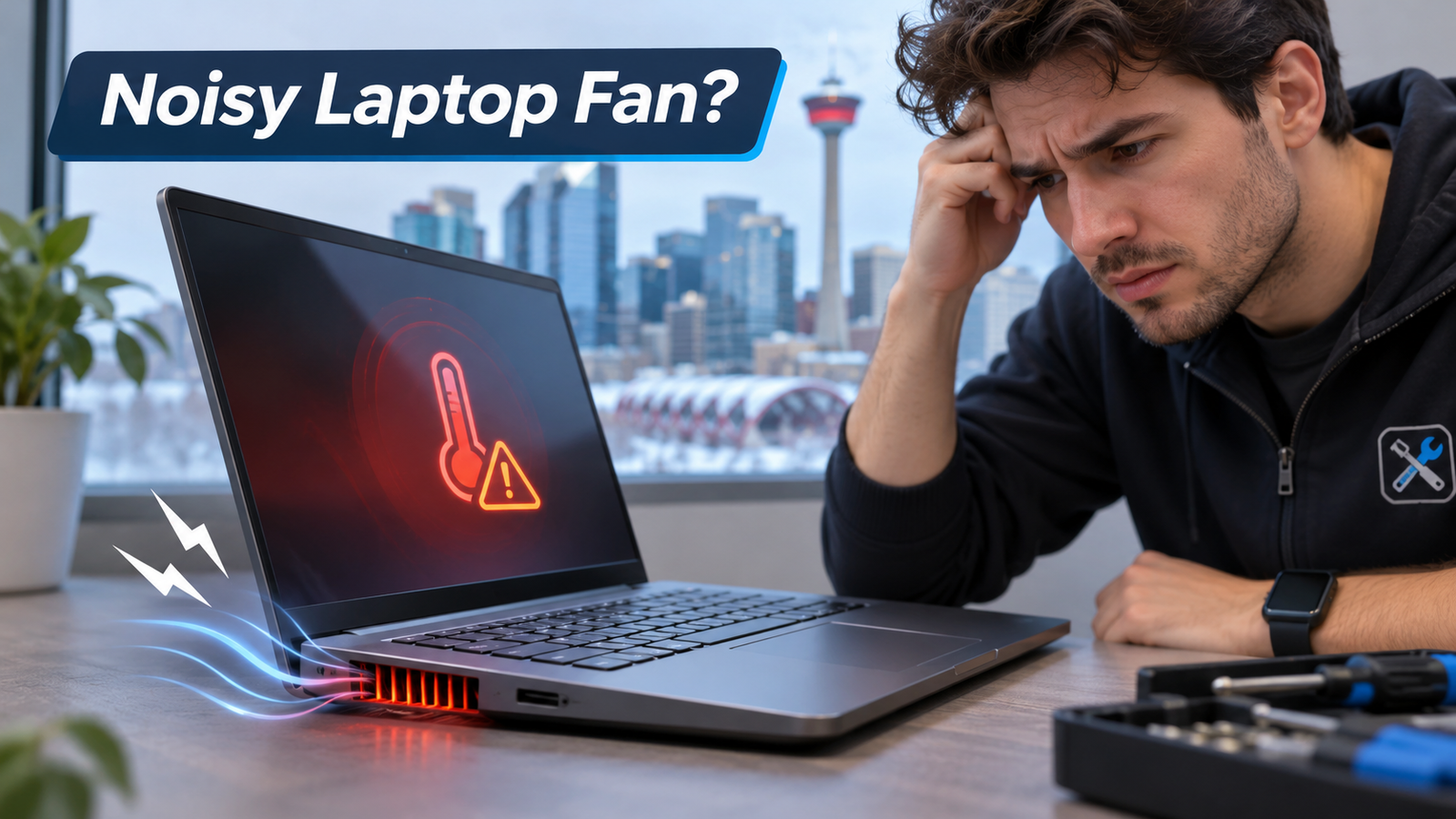
A laptop fan that suddenly sounds like a small jet usually means the machine is struggling to stay cool. Often, the cause is simple, such as dust or a heavy app. Still, a fan that stays loud can signal a fault that needs laptop repair Calgary owners can book locally. In fact, we see this at Gadget Rescue every week, and early action often saves the laptop.
Why a laptop fan gets loud
A laptop fan gets loud when the cooling system cannot move heat out fast enough. The fan then spins faster to push more air through the vents. Some noise is normal, and Apple confirms that a rushing air sound is part of regular cooling. However, a fan that roars during simple tasks such as browsing points to a problem.
In our experience, dust around the fan and blocked vents cause most cases. Next come heavy background software and dried thermal paste. Thermal paste is the grey compound that moves heat from the processor into the metal heatsink. A worn fan bearing is less common but sounds worse. Also, dust builds fastest in homes with pets or carpet, and dry winter air in Calgary adds to it.
The sound itself offers clues:
- Steady whoosh: heat from dust or heavy work
- Rattle or buzz: a loose fan or a part touching the blades
- Grinding or clicking: a failing fan bearing
- Whine that rises and falls: the processor working hard
Laptop running slow along with a loud fan
Often, a laptop running slow and a loud fan appear together. When the processor gets too hot, it cuts its own speed to protect itself. Technicians call this thermal throttling. As a result, apps open late and video calls stutter, while the fan keeps roaring.
Creative work feels this most. If you are choosing the best laptop to edit videos, check the cooling design as closely as the processor. For example, a long export can hold the fan at full speed for an hour or more.
Quick fixes you can try at home
Start with the safe steps below. They take about 15 minutes and need no tools.
- First, save your work and back up your files, because a hot laptop can fail without warning.
- Next, place the laptop on a hard flat surface, since beds and sofas block the vents.
- Then open Task Manager on Windows or Activity Monitor on a Mac, and close any app using most of the processor.
- After that, shut the laptop down and unplug it. Blow short bursts of compressed air into the vents, keeping the can upright.
- Finally, install pending system updates, since manufacturers sometimes release fixes for fan control.
If the fan quiets down, you are done. Otherwise, stop there. Opening the case yourself risks cracked connectors and a voided warranty.
When a home fix becomes risky
Also, skip the household vacuum, because it can build up static electricity that damages the circuit board.
Opening a MacBook is riskier than most owners expect, because the battery is glued in place on recent models.
Stop using the laptop at once if the base bulges or the trackpad lifts. These signs point to a swollen battery, which can leak or catch fire. So unplug the laptop and bring it in for inspection.
Signs you need laptop repair Calgary owners should not ignore
You need laptop repair when the fan stays loud after cleaning or the laptop shuts itself off from heat. A grinding fan, or one that does not spin at all, also needs a technician quickly. Temperature matters too. For instance, a laptop that reads above 90 degrees Celsius during light use is running too hot.
Cleaning and fresh thermal paste
In our laptop repair Calgary workshop, a proper internal clean and new thermal paste solve most loud fan cases. We often see temperatures drop by 10 to 20 degrees Celsius afterwards. Meanwhile, the fan settles down and the processor stops throttling.
Fan and hardware replacement
Sometimes cleaning is not enough. A worn fan needs replacing, and the part must match your exact laptop model. If the fan is fine but the heat continues, we check the heatsink and the power circuit. At Gadget Rescue, we run diagnostics before any work and give a clear quote, so you approve the cost first.
When replacing the laptop makes more sense
Repair is not always the best choice. A laptop that is five years old, with a quote near half the price of a comparable new model, is often better replaced. Likewise, a laptop running slow after cleaning usually needs more memory or a faster drive. On older models, those upgrades may cost more than they are worth. Any honest laptop repair Calgary shop will say so plainly.
Get your noisy laptop checked in Calgary
Gadget Rescue is a local Calgary repair service for laptops, MacBooks and other devices. Our laptop repair Calgary service starts with honest diagnostics, so we find the cause before any work begins. Then we explain the fault in plain words and share a clear quote. You decide what happens next.
Book now and let our Calgary technicians quiet that fan before heat damages anything else.
Frequently Asked Questions
Why is my laptop fan making a loud noise?
A laptop fan gets loud when the laptop runs hot. Dust, blocked vents, heavy apps and dried thermal paste are the usual causes. A grinding or rattling sound can also mean a worn fan that needs replacing.
Can a laptop running slow be caused by a noisy fan?
Yes. A hot processor slows itself down to avoid damage, so a laptop running slow often comes with a loud fan. Cleaning the vents and replacing dried thermal paste usually restores normal speed if heat is the cause.
Is it safe to keep using a laptop with a loud fan?
Short term use is usually fine if the fan only gets loud under heavy work. However, stop using the laptop if it shuts down from heat or the case bulges. Heat damages the processor and battery over time.
What should I look for in the best laptop to edit videos?
Look for strong cooling and at least 16 GB of memory. A recent processor or dedicated graphics helps too. Reviews that test long exports show how well the fan handles sustained heat.
When is laptop repair in Calgary worth it?
Choose repair when the laptop is under five years old and the quote is well below half the price of a new one. Otherwise, replacement usually gives better value, especially for older models.