
Apple Watch battery draining fast? Apple Watch repair vs upgrade
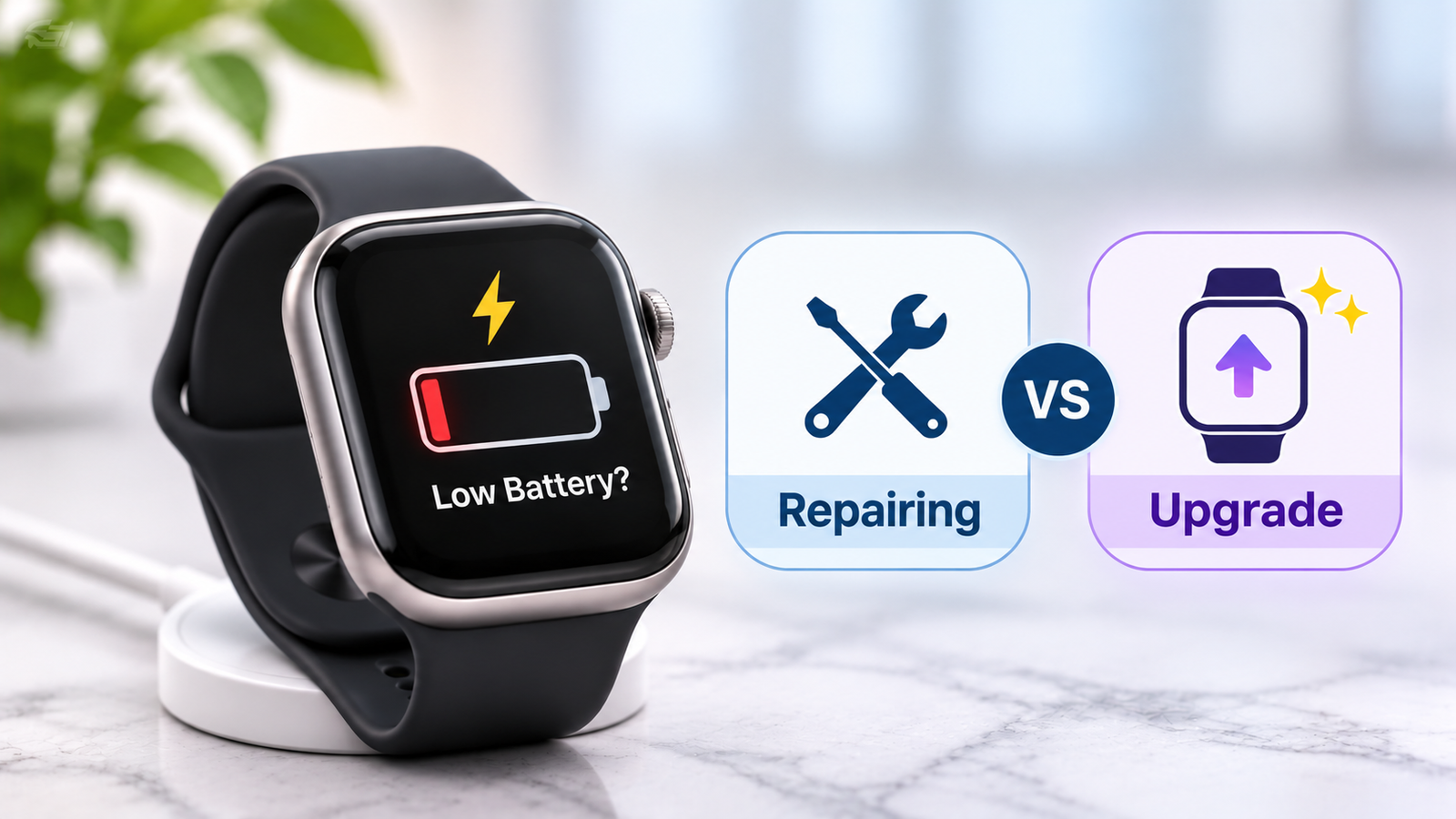
Apple Watch repair is often the sensible first step when the battery drains fast. Still, not every watch needs a new battery. In our experience, a watch that dies by mid-afternoon has either a worn battery or a setting that uses too much power. Both are easy to identify. Below, we explain how to tell them apart and when an upgrade makes more sense.
How long does the battery last on an Apple Watch?
Most Apple Watch models last about one full day on a single charge. Apple designs the battery to keep up to 80% of its original capacity after 1,000 complete charge cycles. A charge cycle means using 100% of the battery, even across several charges. With daily charging, that adds up to roughly three years. After that, runtime shrinks. A watch that once lasted all day may need a top-up by mid-afternoon. Apple lists details on its battery service page, including warranty coverage for a defective battery.
Why an Apple Watch battery drains fast
Two causes account for most cases we see: settings and a worn battery.
1. Settings and software
Start with the easy fixes. An outdated watchOS, the always on display, cellular use and long GPS workouts all drain power quickly. Many notifications and background app refresh add to the load. Cold weather also cuts runtime for a while, which Calgary owners notice every winter. Restart the watch, update watchOS and switch off features you rarely use. Then watch the battery for two days.
2. Battery wear
Battery wear is the other common cause. Open Settings on the watch, tap Battery, then tap Battery Health. The Maximum Capacity figure compares the battery with its condition when new. A reading below 80% usually means the battery has worn out. We often see watches at 75% or lower where owners charge twice a day.
Charging habits also play a part. Optimized Battery Charging, available since watchOS 7, delays charging past 80% when it can, which slows wear. Turn it on in the battery settings.
Apple Watch repair or upgrade: how to decide
The right choice depends on the age of the watch, its condition and the repair quote.
1. When repair makes sense
Repair makes sense when the battery has dropped below 80% and the rest of the watch works well. The screen should be clear, the buttons should respond and the watch should still receive watchOS updates. In that case, Apple Watch repairs such as a battery replacement can restore a full day of use for less than the price of a new model. Battery replacement is among the most common Apple Watch repairs we handle.
2. When an upgrade makes sense
An upgrade is the better choice when the watch is very old and no longer gets watchOS updates. It also makes sense when the case is cracked, the screen is failing and the battery is worn at the same time. Finally, if the quote comes close to the price of a new watch, we say so plainly. Honest advice matters more than a repair sale.
3. Safety and data checks before repair
Stop wearing and charging the watch if the case bulges, the screen lifts or the back feels hot. A swollen battery can push the display out of place. Do not press or pry the watch open at home. Take it to a technician.
Back up your data first. Unpairing the watch from your iPhone creates a backup, so do this before any repair. Then bring the watch in for a diagnostic. Use the booking page to arrange a visit.
What to expect from Gadget Rescue
At Gadget Rescue, a technician tests the watch first and gives a clear quote before any work starts. We repair phones, laptops, MacBooks, TVs and other devices in Calgary, so smartwatches fit into the same careful process. You then decide whether to repair or move on to a new watch.
Get Apple Watch repair in Calgary
A fast draining battery does not always mean a new watch. Check your settings, read the Battery Health figure and back up your data. If the battery is worn, Gadget Rescue offers honest diagnostics, clear quotes and local Calgary service. Explore our watch repair options and let us tell you plainly whether repair or an upgrade is the smarter move.
Frequently Asked Questions
How long does the battery last on an Apple Watch?
Most Apple Watch models last about one full day per charge. Apple designs the battery to keep up to 80% of its capacity after 1,000 complete charge cycles, which is roughly three years of daily charging.
Why is my Apple Watch battery draining so fast?
A worn battery, an outdated watchOS, the always on display, cellular use and long GPS workouts are the usual causes. Check Battery Health first. A Maximum Capacity below 80% points to a worn battery.
How do I check my Apple Watch battery health?
Press the Digital Crown, open Settings, tap Battery, then tap Battery Health. The Maximum Capacity percentage shows how much charge the battery can now hold compared with when it was new.
Is Apple Watch repair worth it or should I upgrade?
Repair is sensible when the battery is below 80% and the watch is otherwise healthy. Upgrade when the model is very old, has several faults or the repair quote nears the price of a new watch.
Where can I get Apple Watch repairs in Calgary?
Gadget Rescue offers Apple Watch repairs in Calgary, starting with a diagnostic and a clear quote. Visit the smart watch repair service page or book a repair online before bringing your watch in.