
iPhone camera blurry or not focusing? When you need a repair
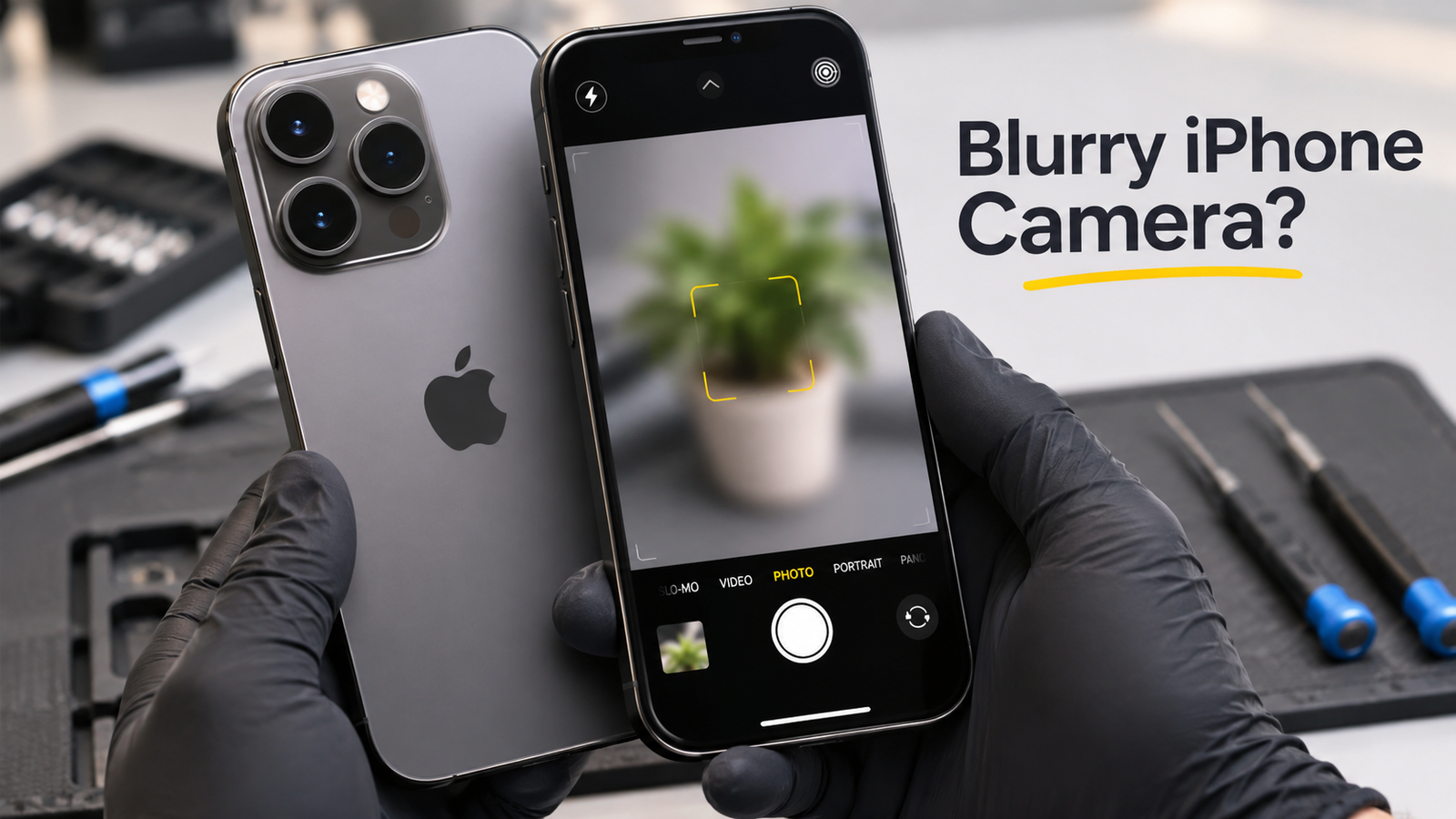
An iPhone camera blurry in every shot is frustrating, but the cause is often simple. In our experience, a smudged lens or a badly fitted case explains many complaints. Other cases involve a damaged camera, which needs a technician. Below, we separate the two so you know what to try first.
iPhone camera blurry: start with these checks
Most blurry photos come from a dirty lens, a blocking case or a magnetic accessory. These fixes take about five minutes, so try them before anything else.
1. Clean both lenses
Wipe the front and rear lenses with a clean microfiber cloth. Fingerprints and pocket lint both soften focus. Avoid wet wipes, because they can smear grease across the glass. Then take a new photo of something that sits still.
2. Remove the case and accessories
Take off the case, any film near the lens and any clip-on lens. Apple’s camera guidance says to remove anything that blocks the lens or holds a magnet near it. Magnets can disturb the sensors that steady the lens and set focus. Test again without the accessory.
3. Restart, update and test
Restart the iPhone and install the latest iOS. A restart clears temporary glitches that can leave the Camera app stuck on one focus setting. Next, test the front and rear cameras separately. If only one camera is blurry, the fault probably sits with that camera. Also tap the subject on screen to set focus, and hold the phone a little further from close objects.
Signs your iPhone needs camera repair
Repair is likely when photos stay blurry after those checks. Two small systems keep a photo sharp. Optical image stabilization, or OIS, uses small motors to cancel hand shake. Autofocus uses sensors and small motors to position the lens. If either one fails, photos blur even when the glass is clean. Look for these signs:
- Photos stay blurry with a clean lens and no case
- The image shakes, or you hear a buzz or rattle when the Camera app opens
- Dust or moisture sits under the lens glass
- The lens glass is cracked
Dust or moisture inside often means the lens seal has failed. A drop can also knock the camera out of alignment. We often see these faults after a fall onto concrete or a day in a wet pocket. They do not fix themselves, and moisture can spread to other parts.
What you can fix at home and what needs a technician
An iPhone camera blurry from dirt or accessories has simple fixes at home: clean the lenses, remove accessories, restart the phone and update iOS. A technician handles anything inside the phone, such as a new camera module or a cleaned lens assembly. Professional iPhone repair also includes checking the seals, because a loose camera can let dust back in. Do not open the phone yourself. The seals and the battery are easy to damage.
Back up your iPhone to iCloud or a computer before any repair. A backup protects your photos if anything goes wrong. Bring the phone in with your case and any accessories, so the technician can test with them. Use the booking page to arrange a diagnostic.
iPhone repairs price: what affects the quote
The iPhone repairs price depends on the model, the fault and the part needed. A cracked lens cover usually costs less than a failed camera module. Newer Pro models also use more complex camera systems, which raises labour and part costs. A diagnostic shows which case applies before you pay for any work.
Repair is not always the best choice. If the phone is several years old and the quote comes close to the price of a replacement, we say so. Honest advice protects your budget.
What to expect from Gadget Rescue
At Gadget Rescue, a technician tests the phone first and gives a clear quote before any work starts. We repair mobiles, laptops, MacBooks, TVs and other devices in Calgary, so iPhone camera faults fit into a process we use every day. You then decide whether to go ahead.
Get iPhone repair in Calgary
If your iPhone camera blurry problem remains after the checks above, a diagnostic is the next step. Gadget Rescue offers honest diagnostics, clear quotes and local Calgary service. Explore our mobile repair options and we will tell you plainly whether fixing the camera is sensible.
Frequently Asked Questions
Why is my iPhone camera blurry?
A dirty lens, a blocking case or a magnetic accessory causes most blurry photos. Clean both lenses with a microfiber cloth and remove accessories. If photos stay blurry, a stabilization or autofocus fault may need professional repair.
How do I fix an iPhone camera that will not focus?
Wipe the lenses, remove the case and any magnetic mount, restart the phone and update iOS. Then tap the subject to set focus. If the camera still cannot focus, book a diagnostic.
Can a magnetic case make my iPhone photos blurry?
Yes. Apple says magnets near the rear camera can interfere with the sensors that steady the lens and set focus. Remove magnetic mounts, wallets and metal plates, then test again to see if the blur clears.
What is the iPhone repairs price for a camera fix?
The price depends on your model, the fault and the part needed. A cracked lens cover usually costs less than a failed camera module. Gadget Rescue gives a clear quote after a diagnostic, before any work starts.
Where can I get iPhone repairing in Calgary?
Gadget Rescue offers iPhone repairing in Calgary, starting with a diagnostic and a clear quote. Back up your phone first, then use the booking page or visit the mobile repair service page.