
AirPods Not Charging? Why Your Case or Earbuds Stopped Charging
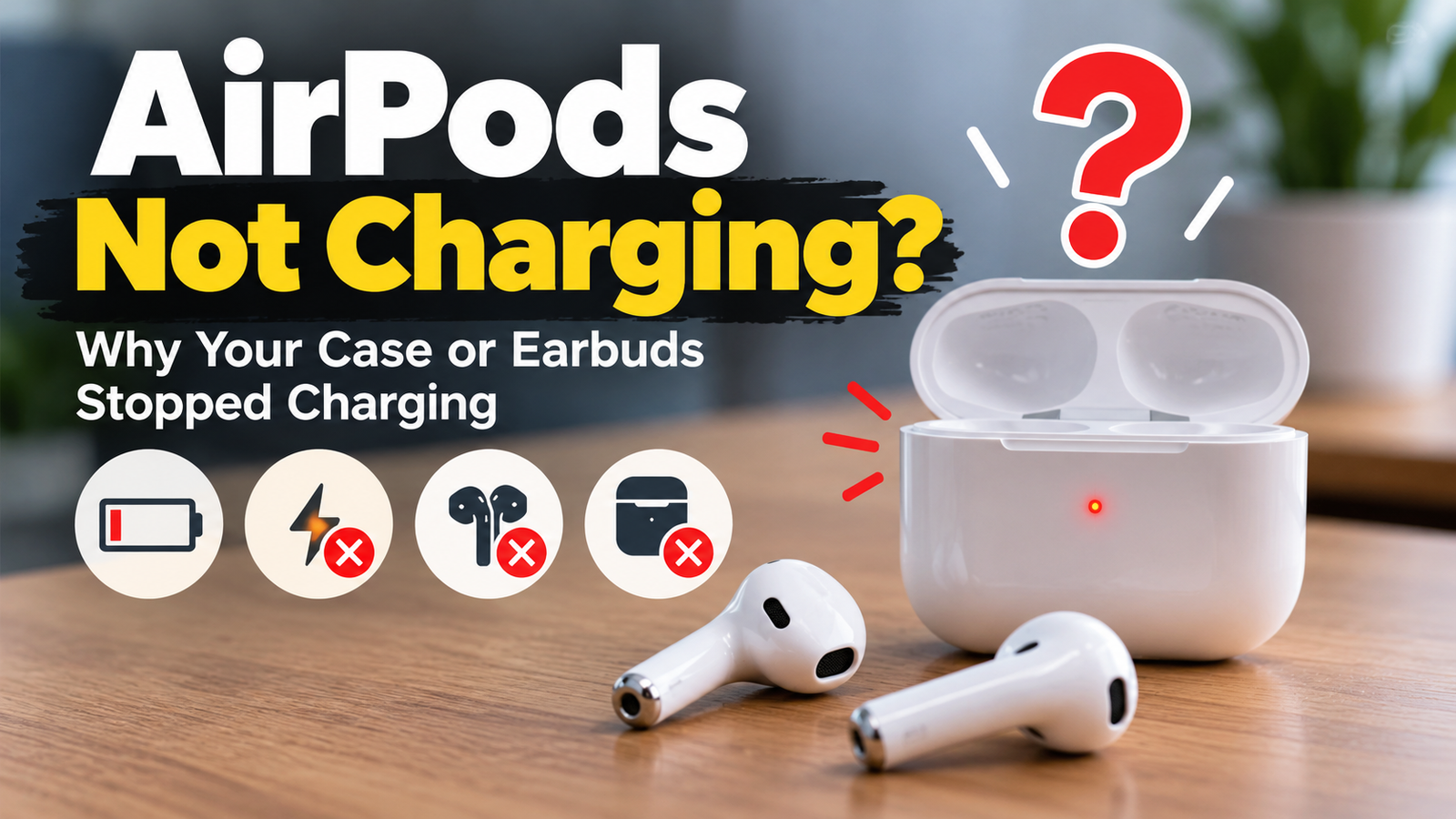
You open the lid and nothing happens. No light. No sound. Your earbuds show a low battery, or they die in the middle of a call. When AirPods not charged problems appear, frustration comes fast. The good news is that many causes of an AirPods case not charging are small and fixable.
This guide explains how AirPods charge, what usually goes wrong, and which fixes are safe to try at home. It also covers when a technician should take a look.
How AirPods Charging Works
Each earbud has a tiny battery. The case holds a larger battery and acts like a power bank. Metal contacts inside the case touch the earbuds and send power to them. The case itself charges through a cable port or a wireless charging pad.
If any link in that chain fails, charging stops. That is why a careful check from the wall to the earbuds works best.
Quick Checks for AirPods Not Charged Problems
Check the Cable and Power Source
Try a different cable and a different adapter. Cables wear out, especially near the connector. Test the wall outlet with another device too. If a computer USB port is your source, switch to a wall adapter. Some ports deliver weak power.
Read the Status Light
The light gives useful clues. With the earbuds inside, it shows their charge status. With the earbuds removed, it shows the case status. Green means fully charged. Amber means less than a full charge. No light at all can mean the case battery is empty or the case is not receiving power.
Give a Drained Case Time
A case that has been empty for weeks may need a longer charge before showing any light. Leave it connected for at least thirty minutes and check again.
Common Causes of AirPods Not Charged Problems
-
If you notice an AirPods case not charging even with a good cable, look at these causes.
-
Lint and Dirt in the Charging Port
Pockets and bags collect lint, and winter coats in Calgary are no exception. Over time, lint packs into the port and blocks the connector. The cable then sits loosely and loses contact.
-
Dirty Contacts on the Earbuds or Inside the Case
Earwax and skin oil build up on the small metal contacts. Even a thin film can interrupt charging. This is one of the most common reasons for AirPods not charging in the case while the case itself still has power.
-
Wireless Charging Misalignment
Some cases charge on a wireless pad. If the case sits slightly off center, charging may stop. Thick phone cases and metal objects between the pad and the case can also interfere.
-
Battery Ageing
Lithium-ion batteries lose capacity with use. After a few years, earbuds may last for minutes instead of hours. The case battery can age too. At that stage, cleaning will not help. The battery needs service or replacement of the unit.
-
Safe Fixes for AirPods Not Charging in the Case
Clean the Port and Contacts Gently
Power the case down by unplugging it. Use a soft dry brush or a clean wooden toothpick to lift lint from the port. Wipe the contacts with a dry cotton swab.
What to Avoid
- Liquids, including alcohol, inside the port
- Metal pins or needles that can scratch contacts
- Compressed air at close range, which can push debris deeper
Reset the AirPods
A reset can fix software related charging faults. Put both earbuds in the case and close the lid for thirty seconds. Open the lid, then go to Bluetooth settings on your iPhone and remove the AirPods. With the lid open, hold the setup button on the back of the case for about fifteen seconds. Release it when the light flashes amber and then white. Reconnect them as new.
Let Firmware Update
AirPods update automatically when they charge and stay near a connected device. Keep the case on power for a while with your phone nearby. Apple lists more steps on its AirPods support page.
When to Get Professional Help
Some faults cannot be fixed with a brush and a reset. Seek help if:
- The case does not respond on any cable or charger
- The port feels loose or looks bent
- The case has been exposed to liquid
- Only one earbud charges, even after cleaning
AirPods are sealed, so opening them without experience can cause damage. Calgary customers can ask the Gadget Rescue team about accessory repairs through its mobile repair service. You can also contact the Gadget Rescue before you visit to ask whether your model can be assessed
Final Thoughts
Most AirPods not charged problems start with dirt, a weak cable, or a drained battery. Work through the checks in order. Clean carefully, reset once, and avoid force. If nothing works, a professional look can save you from replacing a set that only needs a small fix.
Frequently Asked Questions
Why are my AirPods not charging in the case?
The most common reasons are dirty contacts, a drained case battery, or a faulty cable. Clean the contacts gently and try another cable. If the problem continues, the battery may be worn.
What if my AirPods are not charged after hours on the charger?
Check the cable and clean the port and contacts first. Then reset the AirPods. If they are still not charged, ask a technician to check the battery
How long should AirPods take to charge?
Earbuds gain several hours of listening time from a short charge in the case. Fully charging the case takes longer. Times vary by model and battery age.
Can I fix AirPods that will not charge at home?
Often yes, if the cause is dirt or a software glitch. Cleaning and a reset solve many cases. Battery or port damage needs a professional.
Is it safe to clean AirPods contacts?
Yes, with a dry cotton swab or soft brush. Never use liquid or sharp metal tools. Gentle pressure is enough.
Openbox electronics in Calgary are available at dedicated openbox retailers as well as select sections within larger electronics stores. Independent openbox stores, such as the one on Macleod Trail, typically offer more consistent grading and warranty terms.