Buying an Openbox Smart TV? What to Check Before You Choose One
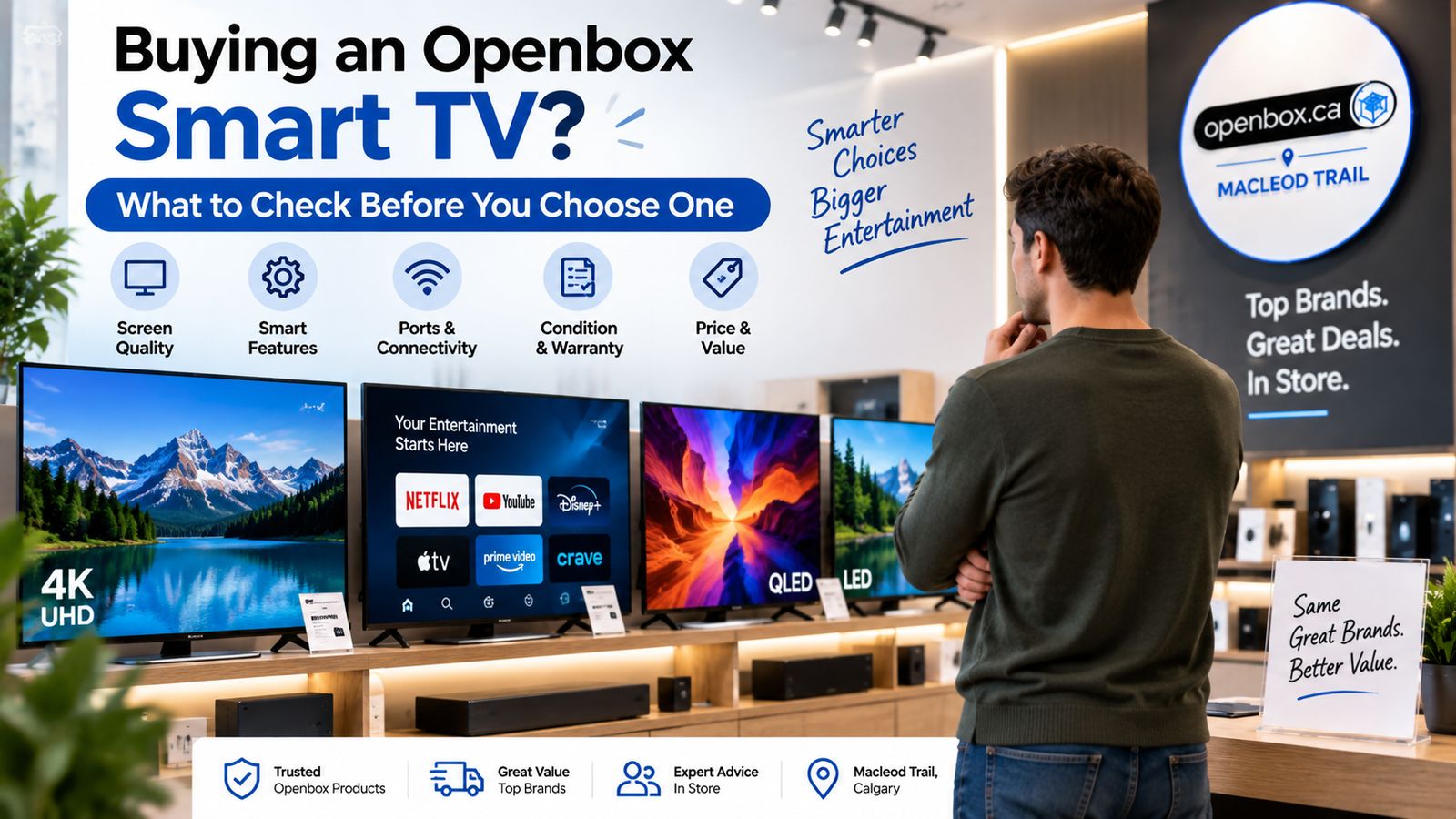
Buying a new television can be expensive, especially if you want a larger screen, 4K resolution, smart features, or premium display technology such as OLED, QLED, or Mini-LED.
That is one reason an openbox smart TV can be an attractive option. You may be able to get many of the features of a new television at a lower price.
However, not every open-box television will be in exactly the same condition. Some may simply have been opened or returned, while others may show signs of previous handling.
If you are planning to buy an Openbox Smart TV, it is worth checking more than just the price.
Here are seven important things to inspect before making your decision.
1. Check the Screen for Dead Pixels, Marks, or Uneven Picture Quality
An Openbox TV may look perfect when switched off, but some display problems only become visible when the screen is running.
Turn on the television and, where possible, view different types of content.
Look for:
- Dead or stuck pixels
- Dark spots
- Bright spots
- Vertical or horizontal lines
- Uneven brightness
- Image retention
- Screen flickering
- Unusual color patches
Try viewing both bright and dark scenes.
For example, a dark movie scene may reveal uneven backlighting that is difficult to notice when a bright promotional video is playing.
Possible issue: Dead pixels, backlight problems, or uneven display performance.
What to do: Test different content and inspect the screen carefully before buying.
The display is one of the most important and potentially expensive parts of a television, so this check should never be skipped.
2. Make Sure the Remote and Accessories Are Included
Some Openbox TVs may not include every accessory that originally came with the television.
Before purchasing, check whether the package includes:
- Remote control
- Power cable
- Table stand or legs
- Stand screws
- User documentation
- Wall-mount accessories, if originally included
- Brand-specific adapters or cables
A missing remote may be relatively easy to replace, but a missing stand or proprietary accessory could create additional expense.
This is especially important when comparing different Openbox TV deals.
A television with a slightly lower price may not actually offer better value if you need to purchase several missing accessories separately.
Possible issue: Missing remote, stand, screws, or cables.
What to do: Confirm exactly what is included and consider replacement costs before comparing prices.
3. Test the HDMI and USB Ports
A television can have excellent picture quality while still having a damaged or unreliable connection port.
HDMI ports are particularly important because they are commonly used for:
- Gaming consoles
- Streaming devices
- Cable or satellite boxes
- Blu-ray players
- Laptops
- Soundbars
- AV receivers
If testing is possible, connect a compatible device to the HDMI inputs.
You should also inspect the USB ports if you plan to connect external storage devices or other accessories.
Look for loose, bent, or visibly damaged connections.
Possible issue: HDMI or USB port does not recognize connected devices.
What to do: Test multiple ports and cables where possible.
If you later discover a damaged HDMI port or another internal television issue, professional diagnosis from Gadget Rescue can help determine whether repair is practical.
4. Check Wi-Fi and Smart TV Features
An Openbox Smart TV should offer more than a good display. Its smart functions also need to work properly.
If testing is available, connect the television to Wi-Fi and check its smart interface.
Try opening commonly used streaming apps and navigating between menus.
Pay attention to:
- Wi-Fi connectivity
- Menu responsiveness
- App loading
- Software updates
- Streaming performance
- Bluetooth, if supported
- Screen casting or AirPlay, where applicable
A Smart TV that struggles to maintain an internet connection may only require a reset or software update.
However, persistent connectivity problems may indicate a Wi-Fi module, software, or internal hardware issue.
Possible issue: Apps fail to load or the TV frequently disconnects from Wi-Fi.
What to do: Test the connection, check for software updates, and restart the TV before assuming there is a hardware problem.
5. Listen Carefully to the Speakers
Picture quality gets most of the attention when shoppers inspect a television, but audio performance should not be ignored.
Play dialogue, music, or other content at different volume levels.
Listen for:
- Buzzing
- Crackling
- Distortion
- Rattling
- One speaker sounding weaker than the other
- Sudden changes in volume
External soundbars and speaker systems can improve TV audio, but the television’s built-in speakers should still function properly.
This is particularly important when buying an Openbox Television, because you should understand the complete condition of the device before paying for it.
Possible issue: Buzzing, distorted, or uneven sound.
What to do: Test multiple types of content and different volume levels before purchasing.
6. Inspect the Television for Physical Damage
Cosmetic marks do not always affect performance.
A small scratch on the rear panel, for example, may not matter to you if the TV otherwise works perfectly.
However, some types of physical damage deserve much closer attention.
Check for:
- Cracks in the screen
- Damaged screen edges
- Dents in the frame
- Loose or unstable stands
- Bent HDMI or USB ports
- Damaged power connections
- Cracks around mounting points
- Excessive scratches on the display
Look at the television from several different angles rather than inspecting only the front.
This is one of the most important things to check before buying a Smart TV, especially when choosing an open-box unit.
Possible issue: Structural or physical damage.
What to do: Determine whether the damage is purely cosmetic or could affect performance, stability, or long-term reliability.
7. Understand Whether It Is Openbox or Refurbished
An Openbox TV and a refurbished smart TV are not necessarily the same thing.
Generally, an open-box television is a product that has been opened, returned, or previously handled before being offered for resale.
A refurbished television may have gone through additional inspection, testing, cleaning, repair, restoration, or component replacement.
However, definitions and refurbishment processes can vary between retailers.
Before buying, ask or check:
- Why is the television classified as openbox?
- Has it been tested?
- Was anything repaired or replaced?
- Are all accessories included?
- What warranty is provided?
- What is the return policy?
- Is there any visible cosmetic damage?
Understanding the product’s actual condition is more important than relying only on the label.
Is an Openbox TV Worth It?
For many buyers, the answer can be yes.
But whether an Openbox TV is worth it depends on more than the discount shown on the price tag.
Compare:
Screen condition: Are there dead pixels, lines, scratches, or brightness issues?
Accessories: Are the remote, stand, cables, and other essential items included?
Ports: Do the HDMI, USB, and other connections work properly?
Smart features: Does Wi-Fi connect reliably? Do apps and menus work correctly?
Audio: Are the speakers clear and free from distortion?
Warranty: What coverage is provided if something goes wrong?
Return policy: Can the television be returned if you discover an issue?
Price difference: Is the discount significant enough compared with the price of a new equivalent model?
When browsing Openbox Electronics, you can explore current Openbox TV options at OpenBox.
For example, imagine a premium 4K television being sold at a noticeable discount because its packaging has already been opened.
If the screen is in excellent condition, the ports work properly, all essential accessories are included, the smart features operate normally, and the warranty meets your needs, the lower price may represent strong value.
On the other hand, a small discount may not be worthwhile if important accessories are missing or the television already shows signs of significant wear.
Openbox TV Buying Checklist
Before completing your purchase, run through this quick checklist:
- Check the screen for dead pixels and uneven brightness
- Inspect the frame and screen edges for damage
- Confirm that the remote works
- Check that the stand and screws are included
- Test HDMI and USB ports
- Connect the TV to Wi-Fi
- Open a few smart apps
- Test the built-in speakers
- Review the model specifications
- Confirm warranty coverage
- Review the return policy
- Compare the price with a new equivalent model
A few minutes of checking can help you avoid unexpected issues later.
Choose Your Openbox Smart TV With Confidence
An Openbox Smart TV can be a smart way to get more features for your budget, but price should never be the only factor influencing your decision.
Inspect the display, test the connections, review the accessories, check the smart features, listen to the speakers, and understand the warranty and return terms before purchasing.
Explore available Openbox Smart TVs at OpenBox and compare models based on condition, specifications, included accessories, warranty, and overall value.
If your existing television has a backlight, power, HDMI, screen, or motherboard problem, consider having it professionally diagnosed by Gadget Rescue before deciding whether replacement is necessary.
Frequently Asked Questions
1. Is an Openbox Smart TV safe to buy?
An Openbox Smart TV can be a good purchase when you carefully inspect its condition, confirm that important functions work correctly, check the included accessories, and understand the warranty and return policy.
Buying from a retailer that clearly explains the product’s condition and warranty can also provide additional confidence.
2. What should I check first on an Openbox TV?
Start with the screen because display problems can significantly affect your viewing experience.
Check for dead pixels, lines, uneven brightness, cracks, flickering, or image retention. After that, test the HDMI ports, Wi-Fi connection, speakers, remote, smart apps, and other important features.
3. What is the difference between an Openbox TV and a refurbished smart TV?
An open-box television is generally a product that has been opened, returned, or previously handled.
A refurbished smart TV may have undergone additional inspection, testing, cleaning, repair, or restoration before being offered for resale.
The exact definitions and processes can vary between retailers, so always review the individual product description.
4. Are Openbox TV deals always cheaper than new TVs?
Open-box televisions are often offered at a discount, but the amount can vary significantly.
Do not compare price alone. Consider the television’s condition, specifications, included accessories, warranty coverage, return policy, and the current price of the equivalent new model.
5. Is an Openbox TV worth it for a premium television?
It can be.
A well-maintained premium open-box television may provide excellent value when the discount is meaningful and the screen, ports, speakers, smart functions, accessories, and warranty meet your expectations.
6. Should I repair my existing TV or buy an Openbox Smart TV?
Start by finding out what is wrong with your existing television.
Problems involving backlights, power supplies, HDMI connections, or some internal components may be repairable. Once you have a repair estimate, compare the cost with the price and benefits of an open-box replacement.