
Game Console Not Working? Common PlayStation Problems
Nothing interrupts a gaming session faster than a PlayStation that suddenly stops working. Maybe your TV shows no signal. Perhaps your PS5 keeps shutting down, becomes unusually hot, refuses to read discs, or your controller starts moving characters without any input.
Before assuming you need a new console, it helps to understand what may actually be going wrong.
Many common PlayStation issues can be diagnosed, and some may be repairable through professional gaming console repair.
Here are seven common PlayStation and PS5 problems, along with a few safe troubleshooting steps you can try before arranging a professional repair.
1. Your PlayStation Does Not Turn On
You press the power button, but nothing happens.
Start with the simplest checks. Make sure the power cable is firmly connected to both the console and the wall outlet. Try connecting the console to another outlet and leave it unplugged for a few minutes before reconnecting it.
If the console uses a removable power cable, inspect it for obvious signs of damage.
If your PlayStation still shows no signs of power, the problem may involve the power supply or another internal component.
Repeatedly attempting to power on a console with an internal electrical fault is unlikely to solve the problem. At this stage, professional diagnosis is a safer approach.
Possible problem: Power supply or internal electrical fault.
What to do: Check the outlet and cable first. If there is still no power, have the console professionally diagnosed.
2. Your PS5 Turns On but the TV Shows No Signal
Your console appears to be running, but the television displays a blank screen or a “No Signal” message.
First, make sure the television is set to the correct HDMI input. Then try another HDMI cable and, if available, another HDMI port on your TV.
You can also test the console on another television or monitor. This can help determine whether the problem is coming from the console, cable, or display.
If the PS5 works intermittently when the HDMI cable is moved, or if the HDMI connector feels loose, the console’s HDMI port may be damaged.
HDMI ports can be affected when cables are pulled, bent, or moved while connected.
A technician offering PlayStation and gaming console repair can inspect the connection and determine whether the HDMI port or another internal component is responsible.
Possible problem: HDMI cable, damaged HDMI port, or video-output issue.
What to do: Test another cable, HDMI input, and display before arranging repair.
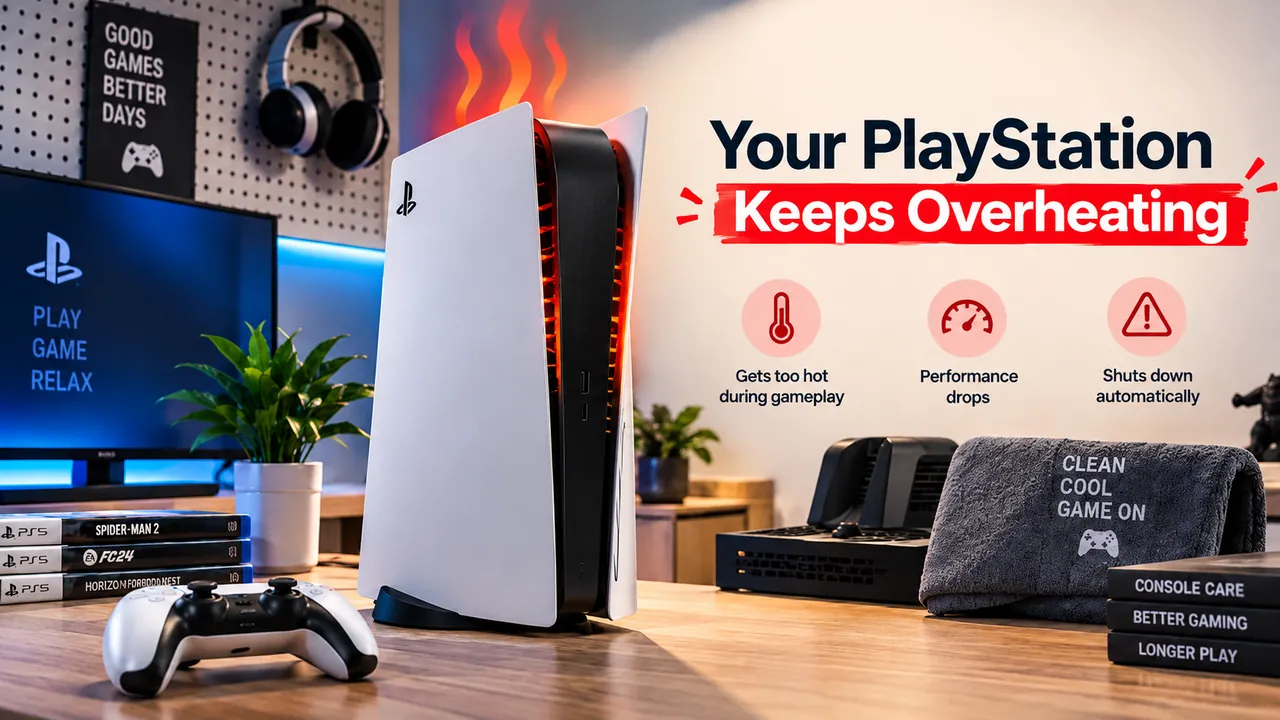
3. Your PlayStation Keeps Overheating
You are playing normally, but your character begins moving even when you are not touching the analog stick.
This issue is commonly known as controller drift.
Start by restarting the controller and console. Check whether controller software updates are available, and test the controller with another game.
This is important because unusual movement in only one game could be related to that game’s settings rather than the controller itself.
You can also check the game’s controller sensitivity and dead-zone settings where available.
If the unwanted movement happens across multiple games, the analogue stick mechanism or another controller component may require repair.
Possible problem: Analogue stick drift or controller hardware issue.
What to do: Update and reset the controller, test another game, and consider repair if the problem continues.
4. Your PS5 Controller Moves on Its Own
You are playing normally, but your character begins moving even when you are not touching the analog stick.
This issue is commonly known as controller drift.
Start by restarting the controller and console. Check whether controller software updates are available, and test the controller with another game.
This is important because unusual movement in only one game could be related to that game’s settings rather than the controller itself.
You can also check the game’s controller sensitivity and dead-zone settings where available.
If the unwanted movement happens across multiple games, the analogue stick mechanism or another controller component may require repair.
Possible problem: Analogue stick drift or controller hardware issue.
What to do: Update and reset the controller, test another game, and consider repair if the problem continues.
5. Your PlayStation Is Not Reading Game Discs
You insert a game disc, but the console does not recognize it.
Remove the disc and inspect it carefully for fingerprints, dirt, deep scratches, or other damage. Clean it gently using an appropriate soft cloth, and try again.
You should also test another compatible disc.
If one game works while another does not, the problem may be with the disc itself. However, if several known-good discs are not recognized, the console’s disc drive may require closer inspection.
Avoid forcing a disc into the drive or attempting to dismantle the console yourself.
Professional gaming console repair can help determine whether the issue involves the drive mechanism, optical system, or another component.
Possible problem: Damaged disc or disc-drive fault.
What to do: Test multiple compatible discs. If none work, have the disc drive inspected.
6. Your Games Keep Freezing or Crashing
A game suddenly closes, freezes during play, or repeatedly displays an error message.
Start by restarting your PlayStation and checking for system software updates. Make sure the game itself is fully updated as well.
You should also check whether the console has sufficient free storage space.
If the issue happens with only one game, reinstalling or updating that particular game may help.
However, if several different games repeatedly crash, the cause may involve system software, storage, overheating, or another console-related problem.
For example, one game occasionally crashing may point to a software issue with that title. If multiple games consistently freeze after the console has been running for some time, overheating or another system issue deserves closer attention.
Possible problem: Software, storage, overheating, or internal hardware issue.
What to do: Update the console and games, check storage, restart the system, and seek diagnosis if multiple games continue crashing.
7. Your Console Suddenly Becomes Very Noisy
A PS5 normally produces some operating noise, particularly during demanding games, but a sudden change can be worth investigating.
You may hear unusually loud fan noise, rattling, clicking, grinding, or another sound that was not present before.
First, make sure the console is placed securely on a stable surface and that nothing is touching or blocking the ventilation areas.
A fan working harder than usual may indicate increased heat or restricted airflow.
Persistent grinding, clicking, or rattling should not be ignored. If the sound happens every time you use the console, professional inspection can help identify whether a fan, disc drive, or another component is responsible.
Possible problem: Cooling fan, airflow restriction, disc drive, or internal component.
What to do: Check placement and ventilation. Arrange an inspection if unusual mechanical sounds continue.
Should You Repair Your PS5 or Replace It?
Not every PlayStation problem means you need to purchase another console.
A damaged HDMI port, overheating issue, controller fault, power problem, or disc-drive issue may still be worth repairing depending on the extent of the damage and the repair cost.
The better approach is to get your console diagnosed first.
Compare the repair estimate with the price of replacing the console. Also consider the age and overall condition of your current PlayStation.
If the repair is no longer economical, an openbox PS5 may be another option to consider.
Shoppers looking for a PS5 openbox or PS5 Pro openbox can check the current gaming inventory at Openbox. Because open-box inventory changes, check current availability, warranty coverage, product condition, and included accessories before purchasing.
This allows you to make the decision based on the actual condition of your existing console rather than replacing it too quickly.
Get Back to Gaming With the Right Fix
A PlayStation that overheats, loses HDMI output, crashes, stops reading discs, or develops controller problems may still have useful life left.
Before spending money on a replacement, identify the actual fault.
Book a gaming console repair with Gadget Rescue and have your PlayStation properly diagnosed. A clear repair estimate can help you decide whether repairing your current console or replacing it offers better value for your budget.
Frequently Asked Questions
1. Can a damaged PS5 HDMI port be repaired?
In many cases, an HDMI-related fault may be repairable depending on the extent of the damage. A technician can inspect the port and determine whether the problem is limited to the HDMI connection or involves other internal components.
2. Why does my PlayStation keep overheating?
Restricted airflow, dust buildup, inadequate ventilation, cooling-system problems, or internal hardware issues may contribute to overheating. Start by ensuring the console has sufficient ventilation and that its external vents are clear.
3. Is gaming console repair worth it?
It depends on the type of fault, the age and condition of the console, and the repair estimate. Repair can make sense when the faulty component is repairable and the rest of the console remains in good condition.
4. Should I consider an openbox PS5 instead of repairing my console?
An openbox PS5 may be worth considering when repairing your existing console is no longer economical. Compare the product condition, specifications, warranty, included accessories, and total price before purchasing.
5. What should I check before taking my PS5 for repair?
Check the power connection, HDMI cable, TV input, system updates, available storage, controller connection, game updates, ventilation, and any error messages displayed by the console.
If the same problem continues after basic troubleshooting, professional diagnosis is recommended.