Is Your Smart TV Worth Repairing?7 Problems That Can Often Be Fixed
Smart TVs are now a big part of our daily entertainment. We use them to stream shows, play games, watch sports and movies, and even make video calls. When a TV suddenly stops working, many people immediately think about buying a new one.
However, you don’t always need a new TV.
Many common TV problems can be found and fixed. Repairing your Smart TV can often make it last longer and save you the money and hassle of replacing a device that still works well.
Here are seven Smart TV problems you might want to repair before looking for a new one.
1. The Smart TV Does Not Turn On
If your TV will not turn on, it might seem completely dead. Still, the screen itself could be working just fine.
The problem may be the power supply board, internal connections, power components, or another electrical issue.
First, try plugging your TV into a different outlet and check the power cable. If it still doesn’t work, a professional can check whether the internal power system can be repaired.
2. You Can Hear Sound but See No Picture
This problem can be confusing. The TV turns on, and you can hear sound, but the screen stays dark.
A broken backlight is one possible reason. Internal display issues can also cause this.
Before you buy a new TV, have a technician check the issue. Repairing it may be much easier and cheaper than replacing it.
3. The Screen Is Too Dark
Is your TV picture still dark even when you turn the brightness up?
The issue might not be your settings. Old backlights or other internal parts can make the screen look dim.
For example, if you have a five-year-old TV that works well except for a dim screen, it may be smarter to fix the broken part than buy a new one right away.
4. HDMI Ports Are Not Working
Modern smart TVs rely a lot on HDMI ports. We use them to connect game consoles, streaming devices, cable boxes, and sound systems.
If one or more HDMI ports stop working, the issue could be with the port itself, the connection, or an internal board.
First, try using a different HDMI cable and device. If the problem persists, have a technician check your TV before considering a replacement.
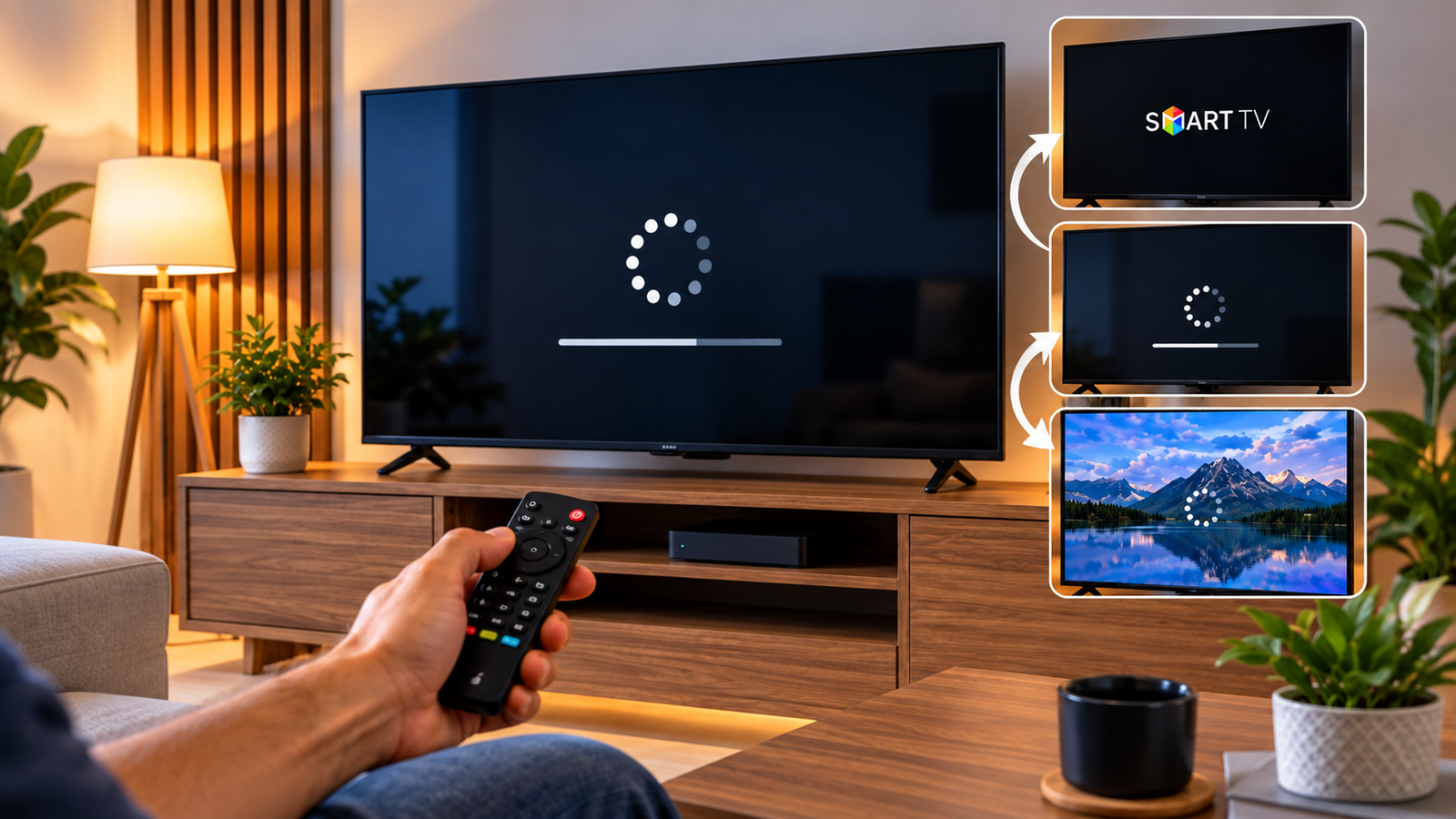
5. The TV Keeps Restarting or Freezing
A smart TV that keeps freezing, crashing, or restarting can be very frustrating.
Sometimes, updating the software, resetting the TV, or removing extra apps can help. Other times, the problem might be with the hardware or main board inside.
Start by following the software troubleshooting steps from your TV’s manufacturer. If the issue does not go away, a repair service can help find the real cause.
6. WiFi or Smart Features Stop Working
Your screen and speakers might work fine, but apps like Netflix, YouTube, or WiFi features may stop working.
Before you think your TV is outdated, try restarting your router and TV. Also, check for software updates.
If you still cannot connect to different networks, a professional may need to check the WiFi module or other internal parts.
7. The Picture Flickers or Shows Strange Lines
lickering, colored lines, strange images, or missing parts of the picture can happen for different reasons.
Loose connections, problems with internal boards, display parts, or even the TV panel itself could be the cause.
This is when a professional diagnosis helps. Some problems can be fixed for a fair price, but serious panel damage might mean it is better to replace the TV.
When Should You Repair and When Should You Replace?
Repairing your TV is usually best if it is fairly new, the screen is in good shape, and fixing it costs much less than buying a new one.
Before you decide, compare the repair cost with the price of a similar new Smart TV.
If repair is too expensive, you can look at smart TVs for sale, like openbox models. For example, if you are replacing an older Samsung 42-inch Smart TV, an openbox model might give you better value than buying a brand-new one.
The key is not to guess. Always get your TV checked first.
Give Your Smart TV a Second Chance
A blank screen, broken HDMI port, dim picture, or restart issue does not always mean your TV is done for.
Before spending money on another television, let a professional identify the actual problem.
Contact Gadget Rescue today for smart TV repair and get your television properly diagnosed. A clear repair estimate can help you decide whether fixing your current TV or replacing it is the smarter choice for your budget.
Frequently Asked Questions
1. Is Smart TV Repair worth the cost?
It may be worth repairing if the TV is relatively new and the problem involves a replaceable component. Compare the repair estimate with the price of a comparable replacement before deciding.
2. Can a smart TV with a black screen be repaired?
Yes, depending on the cause. Backlight problems, power issues, and some internal component failures may be repairable. Physical damage to the display panel can be more expensive.
3. Should I repair an old Smart TV or buy another one?
Consider the TV’s age, repair cost, condition, picture quality, and current replacement price. An affordable repair can extend its life, while a major panel failure may justify replacement.
4. Are openbox Smart TVs a good replacement option?
They can offer good value when repair is no longer practical. Check the television condition, warranty coverage, return terms, and specifications before purchasing.
5. What should I check before taking my TV for repair?
Check the power outlet, cables, connected devices, remote batteries, internet connection, and available software updates. If the problem remains, consider professional diagnosis.